
Basic End User Computing
About Course
About the Course
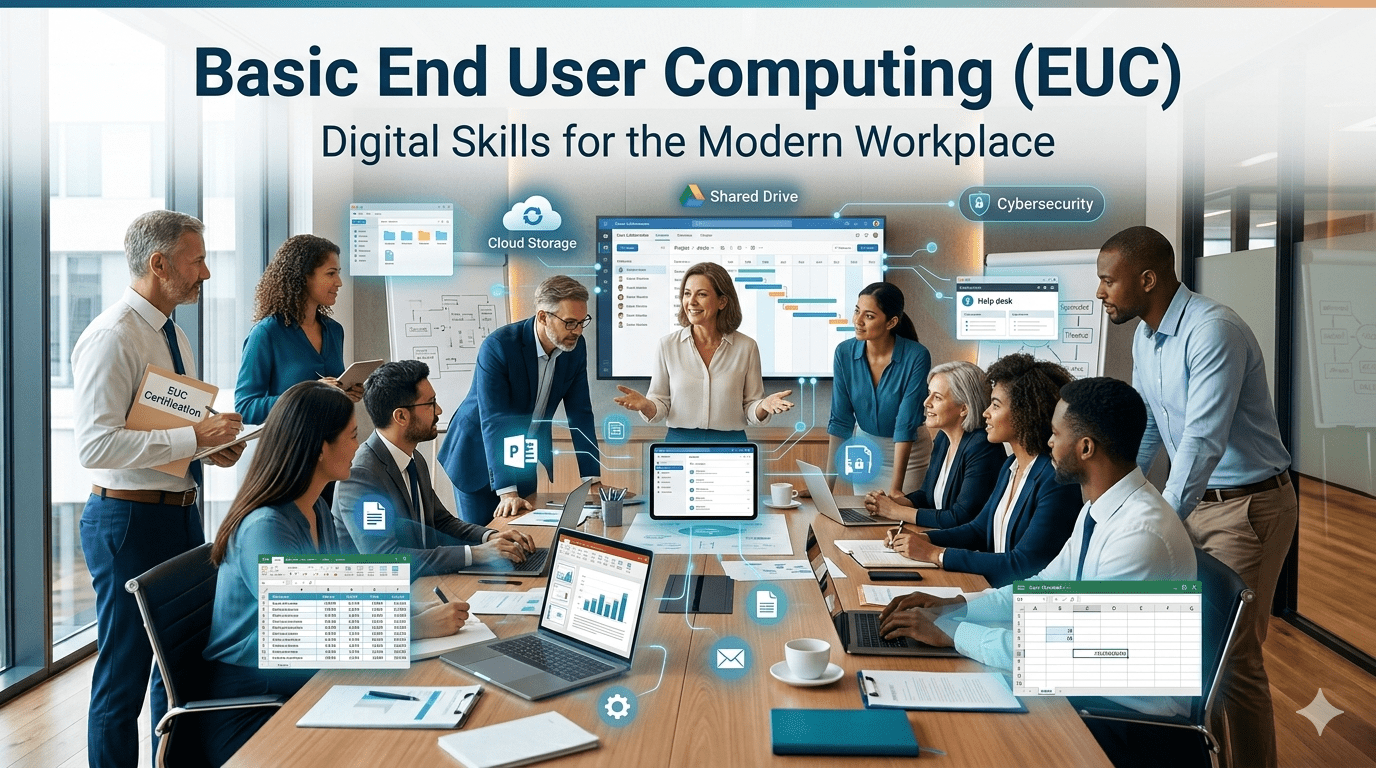
The Basic End User Computing (EUC) course equips learners with essential digital and workplace computer skills required in modern business environments. The programme introduces learners to computer operations, productivity software, internet communication, and safe digital practices through practical, workplace-oriented learning activities.
Learners develop the ability to:
- operate computers safely,
- create workplace documents,
- manage files and folders,
- communicate electronically,
- and use internet tools responsibly.
The course combines:
- theoretical knowledge,
- guided practical activities,
- workplace simulations,
- and integrated assessments
to prepare learners for entry-level digital and administrative roles.
1. Course Overview
This programme focuses on foundational digital literacy and workplace computing skills.
Learners will work with:
- word processing software,
- spreadsheet applications,
- presentation software,
- email communication tools,
- and internet browsers.
The course includes:
- Knowledge Modules (KM),
- Practical Modules (PM),
- practical workplace simulations,
- formative activities,
- and integrated assessments.
The learning approach is highly practical and workplace focused.
2. Learning Outcomes
After completing this course, learners will be able to:
- Operate a personal computer safely and effectively.
- Navigate operating system environments confidently.
- Create and format word processing documents.
- Create and use basic spreadsheets.
- Design and deliver presentations.
- Draft professional electronic mail communications.
- Use internet browsers and online tools responsibly.
- Manage files and folders effectively.
- Apply digital communication etiquette.
- Use cloud-based services for sharing and collaboration.
- Apply safe and ethical digital practices.
3. Target Audience
This course is suitable for:
- New computer users
- School leavers
- Administrative assistants
- Receptionists
- Office support staff
- Customer service employees
- Entrepreneurs and small business owners
- Job seekers requiring digital literacy skills
- Individuals entering office-based environments
The programme is ideal for learners seeking foundational workplace computer skills.
4. Course Requirements
To participate successfully in this programme, learners should have:
- Basic reading and writing skills
- Basic English communication skills
- Access to a computer or laptop
- Basic keyboard and mouse familiarity
- Access to internet connectivity (recommended)
- Willingness to participate in practical computer activities
No prior advanced computer knowledge is required.
5. Skills You’ll Gain
By completing this programme, learners will gain skills in:
Computer Operations
- Operating a computer safely
- Using input and output devices
- Navigating operating systems
Productivity Applications
- Word processing
- Spreadsheet creation
- Presentation development
- File formatting and editing
Digital Communication
- Professional email communication
- Internet browsing
- Online collaboration
- Cloud-based file sharing
Workplace Digital Skills
- File and folder management
- Digital organisation
- Computer safety practices
- Cybersecurity awareness
- Responsible use of technology
6. Course Structure
The programme is divided into Knowledge Modules (KM) and Practical Modules (PM).
6.1 Knowledge Modules (KM)
KM-01: Introduction to Computers and Digital Technologies
KM-02: Productivity Applications
KM-03: Digital Communication and Internet Usage
6.2 Practical Modules (PM)
PM-01: Operate a Personal Computer
PM-02: Use Basic Functionalities of Word Processing, Spreadsheets and Presentation Software Applications
Course Content
KM-01: Introduction to Computers and Digital Technologies
KM-02: Productivity Applications
KM-03: Digital Communication and Internet Usage
PM-01: Operate a Personal Computer
PM-02: Use Productivity and Communication Applications
PM-03: Apply Internet, Communication, and Digital Safety Skills
Earn a certificate
Add this certificate to your resume to demonstrate your skills & increase your chances of getting noticed.

Student Ratings & Reviews