
Intermediate End User Computing
About Course
1. About the Course
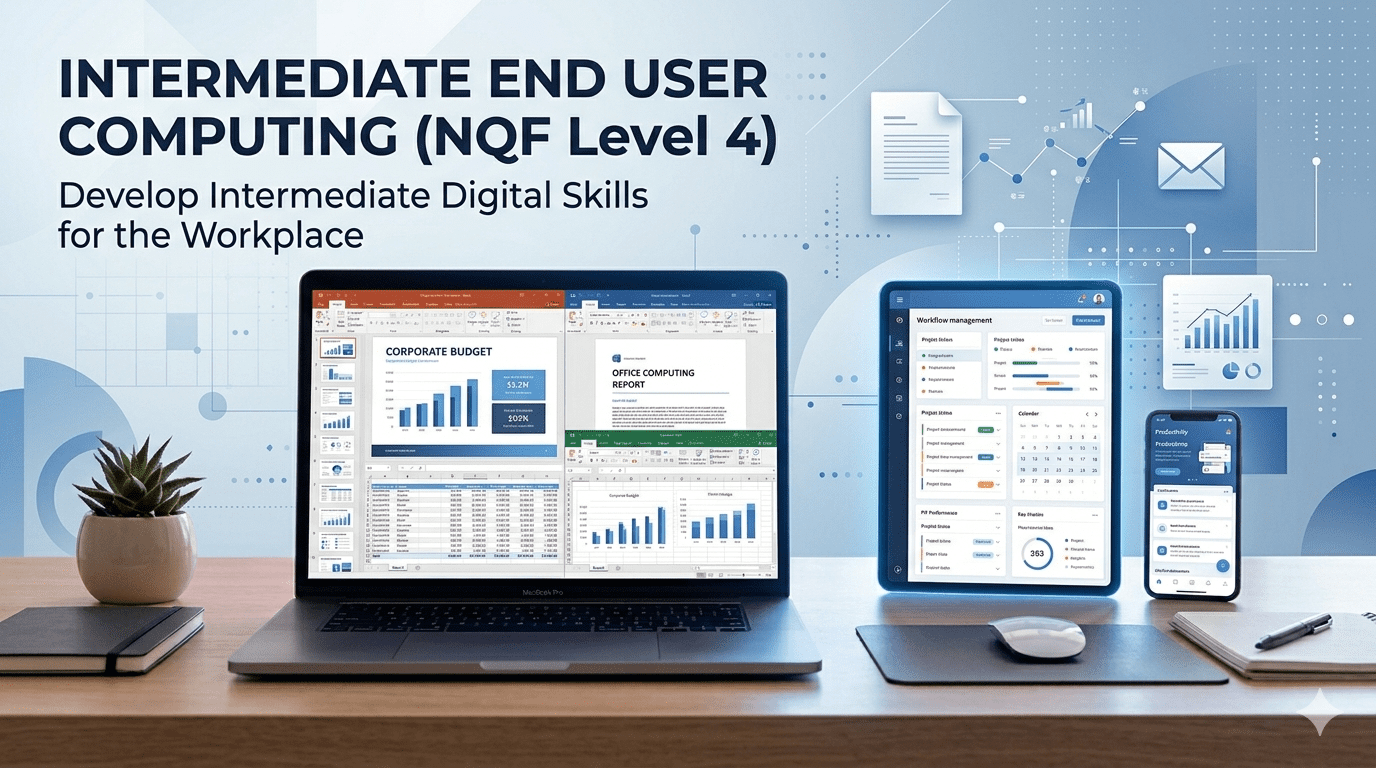
The Intermediate End User Computing course is designed to develop learners’ ability to use core computer applications confidently and effectively in a workplace environment. It builds on foundational digital literacy and focuses on improving productivity through the intermediate use of:
- Word Processing
- Spreadsheets
- Presentation Software
- Electronic Mail Systems.
2. Course Overview
This course focuses on strengthening the learner’s understanding of intermediate-level computing principles and functionalities across commonly used business applications.
Learners will:
- Apply intermediate features in document creation and formatting
- Analyse and manipulate data using spreadsheets
- Design professional presentations with enhanced features
- Communicate effectively using email tools
The course is structured to support both practical workplace application and assessment readiness, leading to improved employability and productivity.
3. Learning Outcomes
By the end of this course, learners will be able to:
Word Processing
- Create and format intermediate-level documents
- Apply templates, styles, and advanced formatting tools
- Organise content using tables, columns, and sections
Spreadsheets
- Use formulas and functions effectively
- Clean, analyse, and consolidate data
- Apply conditional formatting and create charts
Presentations
- Design and deliver professional presentations
- Use animations, transitions, and multimedia
- Integrate data and external applications
Electronic Mail
- Apply effective email communication practices
- Manage digital communication tools in a professional context
4. Target Audience
This course is suitable for:
- Learners with basic computer literacy (NQF Level 2)
- Office workers seeking to improve productivity
- Administrative professionals
- Students preparing for workplace environments
- Individuals aiming to enhance digital skills for employment
5. Course Requirements
To successfully participate, learners should have:
Entry Requirements
- Basic End User Computing skills (NQF Level 2)
Technical Requirements
- Access to a computer (Windows or MacOS)
- Installed office software (e.g., Microsoft Office or equivalent)
- Internet access
- Basic understanding of file management
6. Skills You’ll Gain
By completing this course, learners will develop:
- Intermediate document creation and formatting skills
- Data analysis and spreadsheet management skills
- Presentation design and communication skills
- Digital communication and email management skills
- Problem-solving and productivity skills in digital environments
These skills directly support workplace efficiency and career progression.
7. Course Structure
The course is structured into one Knowledge Module (KM-01) divided into key learning sessions:
Lesson 1: Word Processing (25%)
- Templates and styles
- Text editing and formatting
- Tables, columns, and document structuring
Lesson 2: Spreadsheets (25%)
- Shortcuts and formulas
- Data cleaning and consolidation
- Conditional formatting and tables
- Charts and data visualisation
Lesson 3: Presentations (25%)
- Charts and SmartArt
- Multimedia integration
- Animations and transitions
- Slide design and delivery
Lesson 4: Electronic Mail (25%)
- Email communication principles
- Professional digital communication practices
✅ Summary
- Course Level: NQF 4
- Credits: 4
- Modules: 1 (KM-01)
- Focus: Intermediate workplace computing skills
- Outcome: Improved employability and digital productivity
Course Content
KM-01: Intermediate End User Computing Principles
PM-01: Practical Application of Intermediate Computing Skills
Earn a certificate
Add this certificate to your resume to demonstrate your skills & increase your chances of getting noticed.

Student Ratings & Reviews